

You pull up to your garage door after a long day, click your LiftMaster remote, and nothing happens. You press it again. Still nothing. Now you are standing on your driveway in the middle of the San Francisco fog, wondering what went wrong.
Here is the good news: yes, you can reset a LiftMaster remote control, and in many cases, it is a completely fixable problem. But before tossing the remote or calling it a lost cause, there are several things worth checking first.
After years of working in the garage door industry and serving homeowners across San Francisco, from the hills of Noe Valley to the avenues out in the Sunset District, this situation plays out hundreds of times. Most of the time, the fix is simpler than most people think. Sometimes, though, it signals something bigger is going on with the opener system.
What Does “Resetting” a LiftMaster Remote Actually Mean?
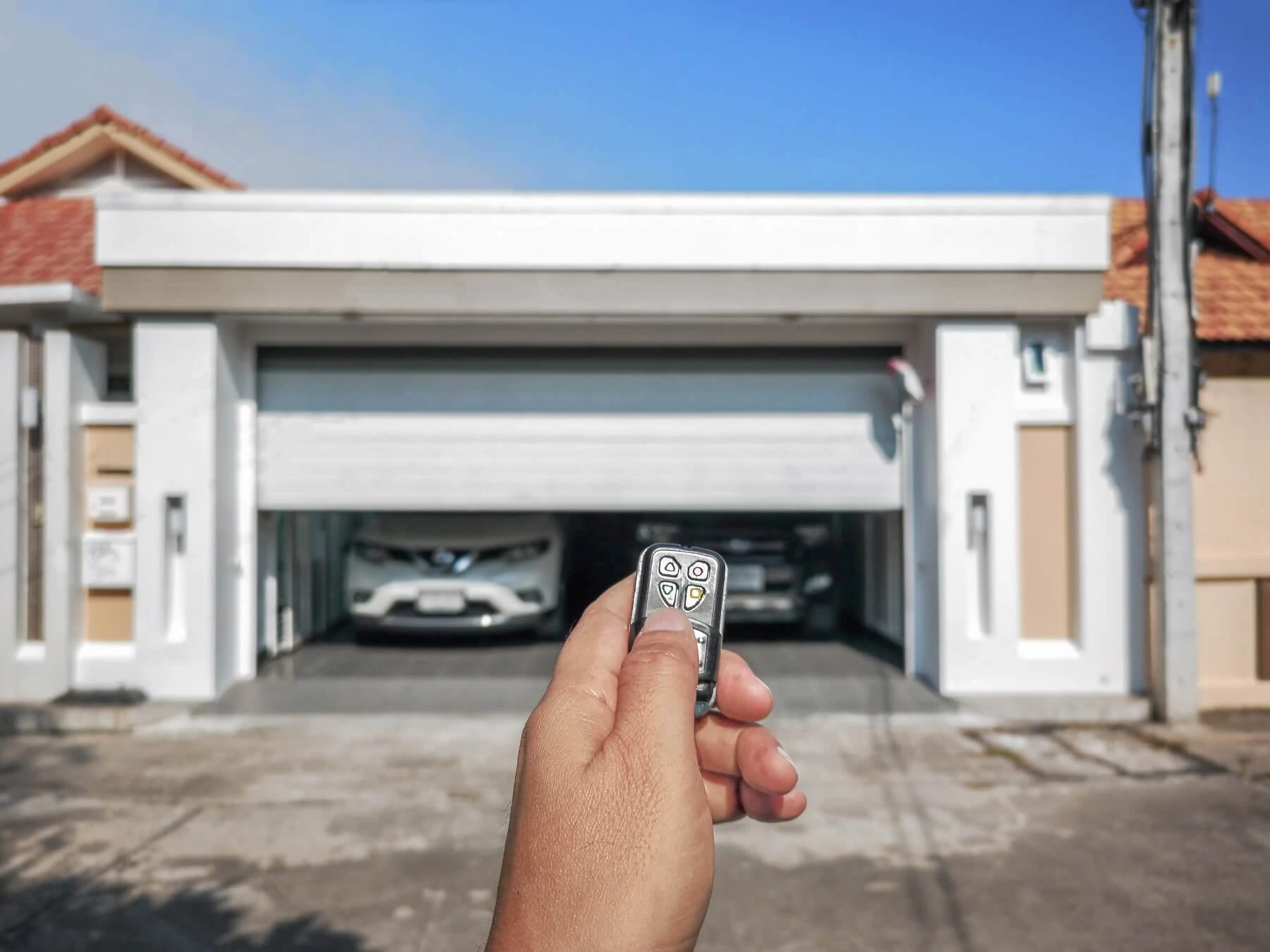
Before diving into the list, it helps to clear something up. When most people say they want to “reset” their LiftMaster remote, they usually mean one of two things:
- Clearing and reprogramming the remote so it syncs back with the opener
- Troubleshooting why the remote stopped working in the first place
LiftMaster uses a technology called rolling code, also known as Security+ or Security+ 2.0, which automatically changes the access code every single time the remote is used. This is a smart security feature. But it also means that if the signal gets out of sync, the remote can stop working even if nothing is physically broken.
For a complete walkthrough on pairing a remote from scratch, the guide on How to Set a LiftMaster Remote Control covers everything step by step.
7 Things to Know About Resetting a LiftMaster Remote Control
1. Your Remote Can Be Reset, But It Depends on the Model
Not all LiftMaster remotes reset the same way. LiftMaster has been in the garage door industry for decades and has produced dozens of remote models from basic single-button clickers to smart remotes that connect to the MyQ app.
Common LiftMaster remote models include:
- 893MAX – A 3-button remote and one of the most widely used models
- 890MAX – A compact 1-button remote great for single-car garages
- 375UT – A universal remote compatible with most major brands
- PPLK1-100 – A keypad remote designed for exterior wall mounting
The reset process varies slightly depending on the model, but the core idea is the same: clear the remote from the opener’s memory and then reprogram it fresh.
What to check: Look at the back of the remote. The model number is usually printed there. Knowing the exact model makes the troubleshooting process significantly faster and avoids unnecessary guesswork.
Tip to avoid this problem: Keep a record of all the remote models used in the home. Store this information somewhere easy to find, like inside a kitchen drawer or in a home maintenance folder. When something goes wrong, having that model number ready saves a lot of time.
If the remote has already been identified but is still not responding, the guide on Why Is My LiftMaster Remote Control Not Working breaks down the most common causes and what to do about each one.
2. Dead or Weak Batteries Are the Number One Culprit
This might sound too simple, but a dead or weak battery is the single most common reason a LiftMaster remote stops working. In San Francisco’s cold and damp climate, especially during the winter months, along the coast and in neighborhoods like the Outer Richmond or Daly City border areas, battery performance can drop faster than expected, particularly in garages that are not insulated.
Signs the battery might be the problem:
- The remote only works when standing very close to the garage door
- It works sometimes, but not consistently
- The small indicator light on the remote is dim or not lighting up at all
Most LiftMaster remotes use either a CR2032 coin battery or an A23 12V battery. Both are inexpensive and easy to find at hardware stores, pharmacies, or big-box retailers throughout the Bay Area.
What to check: Pop open the battery compartment and inspect the battery. Look for any corrosion around the contacts. Even a tiny bit of corrosion can disrupt the connection and make the remote behave as if it is completely dead.
Tip to avoid this problem: Replace the remote battery once a year, even if it seems to be working fine. Treat it like changing a smoke detector battery. It is a small habit that prevents a lot of frustration.
Once the battery is confirmed to be in good shape and the remote is still not responding, the next step is to check the connection between the remote and the opener. The guide on How Do You Sync a LiftMaster Remote Control is a great resource to walk through that process.
3. The Remote and Opener Might Be Out of Sync
LiftMaster’s rolling code technology is excellent for security, but sometimes the remote and the opener unit get out of sync with each other. This happens most often after a power outage, something San Francisco homeowners are no strangers to, especially during storm season or when PG&E maintenance affects local power grids.
When the opener loses power, it can sometimes lose its memory of paired remotes entirely. When the remote and the opener are no longer on the same code, pressing the button does absolutely nothing.
What to check:
- Was there a recent power outage in the neighborhood?
- Did someone accidentally hold down a button on the remote for too long?
- Was the opener unplugged or reset by another person in the household?
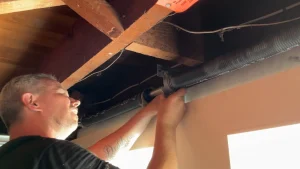
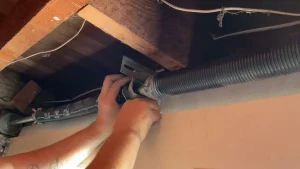
If the remote and opener are out of sync, the solution is reprogramming. This involves pressing the Learn button on the opener motor unit, which is mounted to the ceiling of the garage.
Tip to avoid this problem: After any power outage, test the garage door remote right away. Catching a sync issue early is much easier than discovering it on a busy morning when there is no time to troubleshoot.
Important Note: The Learn button is typically located on the back or side of the opener motor unit. If working on a ladder feels unsafe or the opener is difficult to access, contacting a local garage door professional is always a smart move.
4. Signal Interference Can Block the Remote From Working
Radio frequency interference is a real problem, and in a dense urban environment like San Francisco, it is more common than most homeowners realize. The city’s high concentration of smart home devices, Wi-Fi routers, and older building materials creates more signal disruption than in typical suburban neighborhoods.
Common sources of interference include:
- LED light bulbs inside the garage (certain LED bulbs emit radio frequency interference that directly affects opener signals)
- Nearby Wi-Fi routers or smart home hubs placed close to the opener
- Other wireless devices operating on the 315 MHz or 390 MHz frequency
- Thick concrete walls, metal garage structures, and steel doors are common in older San Francisco homes
What to check: Test the remote from different distances and angles. If it works from one specific spot but not others, interference is likely the issue. Also, check whether any new smart devices or appliances were recently added near the garage opener.
Tip to avoid this problem: Swap out any standard LED bulbs in the garage for bulbs specifically labeled “garage door opener compatible.” LiftMaster officially recommends this, and it is one of the most overlooked fixes in the industry. It is a small change that can make a surprisingly big difference.
5. The Opener’s Memory Might Be Full
Here is something most homeowners never hear about: LiftMaster openers can only store a limited number of remote codes. Depending on the model, the memory capacity ranges from about 10 to 40 remote codes.
In San Francisco, where multi-unit buildings, shared garages, and short-term rental properties are common, this issue comes up more often than in other cities. If remotes have been added over the years for family members, housekeepers, dog walkers, contractors, or Airbnb guests, the opener’s memory can fill up quickly.
When the memory is full, new remotes will not pair, no matter what. And in some cases, older remotes that were previously working can get pushed out of the memory entirely.
Signs the memory might be full:
- A brand new remote refuses to program, no matter how many times it is attempted
- Some remotes in the household work, and others do not
- The opener has been in use for many years without ever clearing the device memory
What to check: Count how many active remotes, keypads, and HomeLink-programmed vehicles are currently paired with the opener. If the number is close to the model’s maximum capacity, that is likely the issue.
Tip to avoid this problem: Do a memory audit once a year. Remove remote codes for people who no longer need access to former tenants, old housekeepers, or guests who visited years ago. Keeping the memory lean ensures new remotes can always be added when needed.
6. Hardware Problems Can Look Like Remote Problems
Sometimes what appears to be a remote issue is actually a mechanical or electrical problem with the opener itself. This is where the situation becomes more serious and where professional help becomes important.
Hardware issues that mimic remote failure:
- A faulty logic board inside the opener unit
- A damaged or poorly positioned antenna wire on the opener (the thin wire that hangs from the motor housing)
- Misaligned or dirty safety sensors at the base of the garage door
- A worn-out gear and sprocket assembly that prevents the opener from responding to any signal
San Francisco has a large number of older homes, particularly in neighborhoods like the Mission District, Haight-Ashbury, and the Inner Richmond, where garage door systems have not been updated in decades. If an opener is more than 10 to 15 years old, hardware-related issues become increasingly likely and should not be dismissed.
What to check: Look at the antenna wire hanging from the opener motor. It should hang freely, be fully intact, and not be coiled, pinched, or tucked away. A damaged antenna wire alone can cut the remote’s effective range down to almost nothing.
Also, check the safety sensors near the floor on both sides of the garage door. These small devices have an indicator light; one should be solid green and the other solid amber. If either light is blinking or off, the sensors may be misaligned or obstructed, which can prevent the opener from functioning normally.
Tip to avoid this problem: Schedule a professional garage door inspection once a year. A trained technician can spot early signs of hardware wear before they turn into bigger, more expensive problems. Many garage door companies in the San Francisco area offer annual maintenance plans that cover this kind of checkup.
7. Knowing When to Stop Troubleshooting and Call a Professional
There is a point where DIY troubleshooting becomes time-consuming, frustrating, or genuinely unsafe. Garage door systems involve high-tension springs, moving mechanical parts, and electrical components. Getting something wrong during a repair attempt can cause injury or further damage to the system.
Contact a garage door professional in San Francisco when:
- The battery has been replaced, interference has been ruled out, reprogramming has been attempted, and the remote still does not work
- The opener is older than 10 years and is showing multiple signs of trouble
- Grinding, clicking, or unusual sounds occur when the door moves
- The door reverses on its own or moves without the remote being pressed
- There is visible damage to the opener unit, wiring, or antenna
- The wall-mounted button works, but the remote does not, nor does either work at all
A qualified garage door technician can run a full diagnostic on the system, determine whether the issue is the remote, the opener, the wiring, or something mechanical, and provide honest repair or replacement recommendations. This includes specialized work such as commercial door cable replacement, which should never be attempted without proper training and equipment.
Average repair costs in San Francisco vary depending on the specific issue, the brand of the opener, and the service provider. Remote reprogramming services are generally on the lower end of the cost spectrum, while logic board replacements or full opener installations fall on the higher end. Always request a written estimate before any work begins.
Tip to avoid this problem: Do not wait until the garage door stops working completely. Pay attention to early warning signs like slow response times, inconsistent remote performance, or unusual noises. Catching problems early almost always means a less expensive repair.
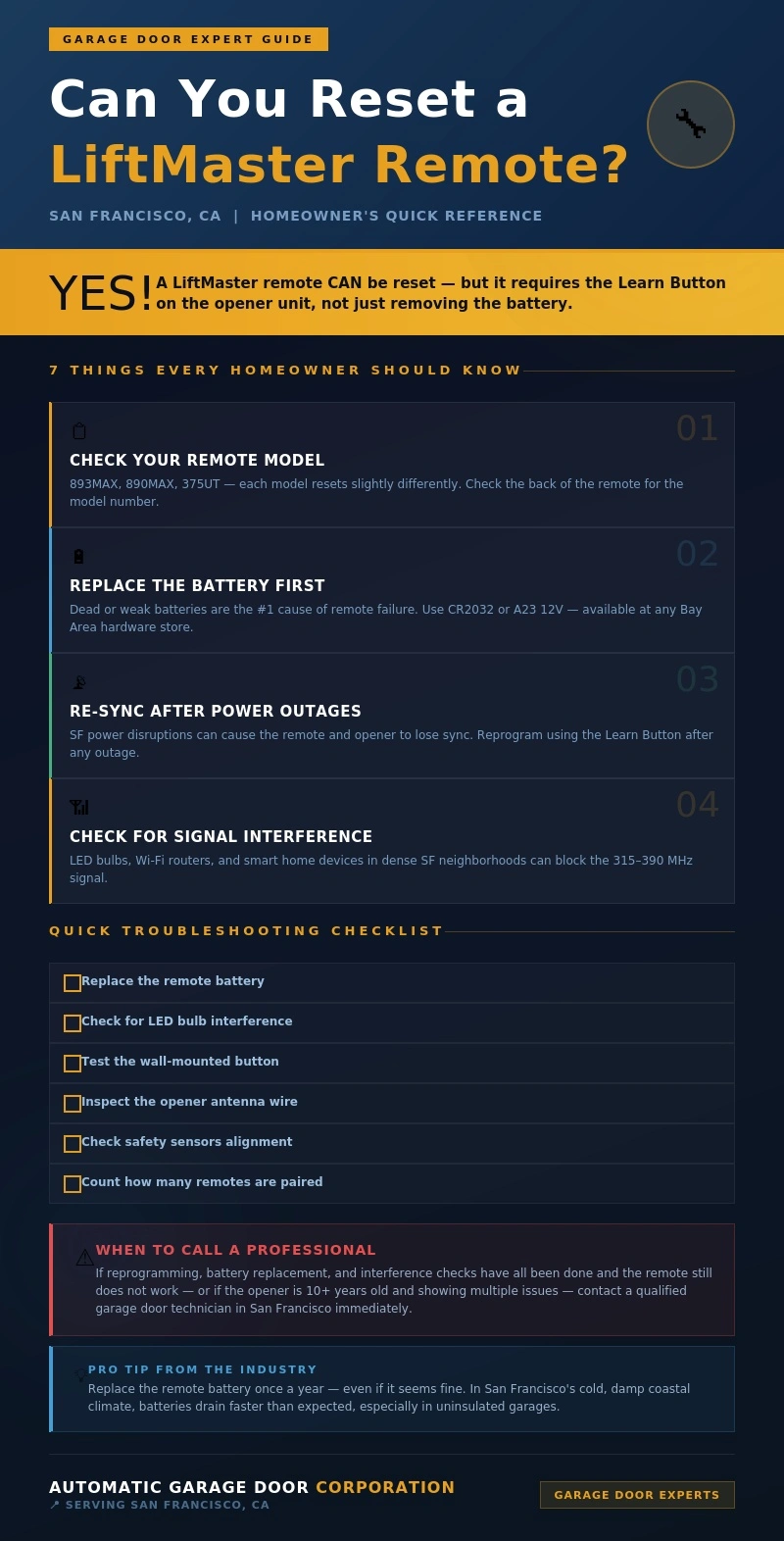
Quick Checklist: Run Through This Before Calling for Help
Before picking up the phone, go through this checklist. It covers the most common and easily fixable issues:
- Replace the remote battery
- Check for LED bulb interference inside the garage
- Think back to any recent power outages that may have cleared the opener memory
- Inspect the antenna wire on the opener for damage or poor positioning
- Count how many remotes are paired to check if the memory is full
- Test the wall-mounted button. If that works, but the remote does not, the issue is with the remote; if neither works, the problem is with the opener itself
- Check the safety sensors at the base of the door for obstructions or misalignment
This checklist applies to both standard residential setups and properties running a commercial insulated garage door, where remote and opener reliability is even more critical to daily operations.
Do Not Wait Until It Stops Working Completely
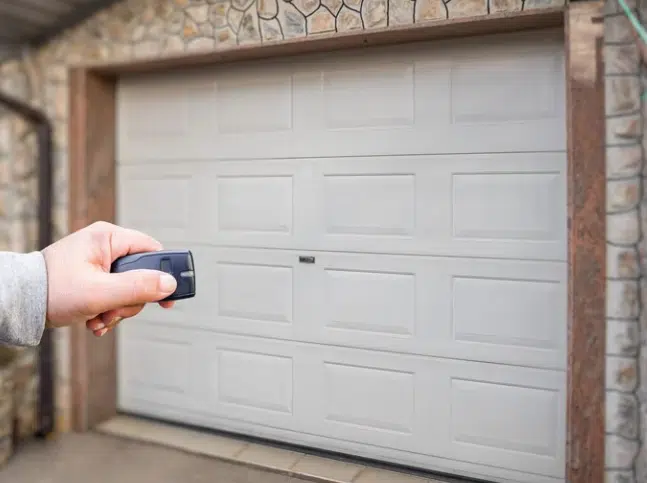
A LiftMaster remote that is glitching or completely unresponsive is not just an inconvenience; it can be an early warning sign that the garage door system needs professional attention. In a city like San Francisco, where the garage is often the primary entry point to the home, a malfunctioning opener is both a safety concern and a security risk.
Start with the simple stuff. Swap the battery. Check for interference. Look at the antenna wire. Test the wall button. But if those steps have been covered and the remote still is not working, or if there is any uncertainty about what is going on with the system, reaching out to a qualified garage door technician in the San Francisco area is the smartest next step.
A well-maintained garage door system, including components like commercial door weatherstripping, protects the home, keeps daily routines running smoothly, and lasts significantly longer than one that gets ignored until something breaks. A little attention now goes a long way.
Backed by Experience, Built for San Francisco Homes
That is where Automatic Garage Door Corporation comes in. Serving San Francisco homeowners for years, we have built a strong reputation for honest assessments, reliable repairs, and expert knowledge of LiftMaster systems. Whether the issue is a remote that needs reprogramming, an opener that has seen better days, or a full system that is due for an upgrade, our team brings the kind of hands-on experience that San Francisco homes deserve. Do not let a small remote issue turn into a bigger problem. Contact us today or give us a call, and let us get the garage door system back to working the way it should.