

When it comes to improving home security and convenience, knowing how to program LiftMaster keypad is invaluable. Whether you’re looking to add a new user or reset your system, understanding the programming process can enhance your peace of mind. This guide will walk you through the essential steps and provide tips for effective use.
Programming your LiftMaster keypad is not just about setting up a new code; it’s about customizing your system to fit your lifestyle. With simple instructions, you’ll have your keypad running smoothly in no time. Read on to learn everything from basic setup to troubleshooting common issues.
Understanding LiftMaster Keypads
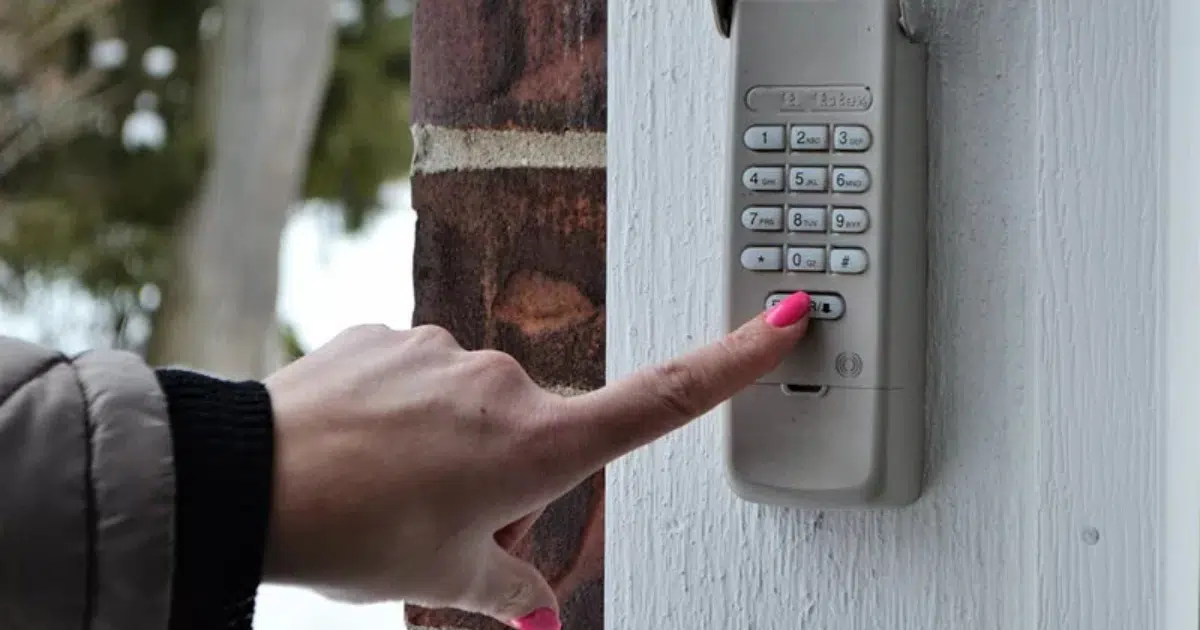
LiftMaster keypads offer extra security and convenience by letting you control your garage door using a custom code. This keyless entry system is perfect for families or homeowners who prefer not to use a physical key for access. With LiftMaster keypads, you get reliability and ease.
LiftMaster keypads come in various models, each offering unique features. Some support multiple user codes, while others allow temporary access for guests or service personnel. Understanding these options will help you use the keypad to its fullest, ensuring smooth and secure operation every time.
It’s important to familiarize yourself with your specific LiftMaster keypad model before starting the programming process. Consult the user manual for detailed instructions, and check the manufacturer’s website for additional resources. Familiarizing yourself with your keypad model will make the programming process easier and more efficient, ensuring optimal use.
Whether you have an old LiftMaster keypad or a newer model, LiftMaster keypads come in various versions including the LiftMaster universal keypad. Consulting the LiftMaster universal keypad manual will help you understand compatibility and features specific to your unit.
Once you’re familiar with your model, discover how timely tune-ups can make a real difference by reading When to Adjust Your LiftMaster Opener and Why It Matters.
Importance of Programming Your LiftMaster Keypad
Programming your LiftMaster keypad is essential for securing your home and garage. By setting a personalized code, you control access, ensuring only authorized users can enter. This feature is especially useful when you need to give temporary access to service providers or guests.
Programming your keypad also adds convenience. Once programmed, you no longer need to carry keys or worry about losing them. With easy access to your garage, it’s perfect for busy families or anyone who wants a quick, hands-free entry solution to their home.
A properly programmed keypad can also extend the lifespan of your garage door opener. By reducing wear and tear, the system works efficiently, ensuring smoother operation. Knowing how to program a LiftMaster keypad correctly helps maintain both security and performance for years.
For an extra layer of protection, explore our practical tips in Reset LiftMaster Keypad Code and Improve Garage Security.
Tools You’ll Need for Programming
Before you begin programming your LiftMaster keypad, it’s important to gather all the tools you might need. This helps you avoid interruptions and makes the process go smoothly from start to finish. While most of the steps involve just the keypad and garage door opener, having a few extra items nearby can make everything easier, especially if you’re not an expert with garage systems.
- User Manual – This is one of the most important tools. It contains step-by-step instructions that are specific to your LiftMaster model. Since different models may have slightly different programming procedures, always keep this nearby.
- Ladder – Most garage door openers are mounted on the ceiling. A sturdy ladder will help you safely reach the “Learn” or “Program” button on the motor unit without straining or risking injury.
- Flashlight – If your garage is not well-lit or if the opener is installed in a dark corner, a flashlight helps you clearly see the control panel and buttons, making the process much easier.
- Notepad and Pen – It’s a good idea to write down any PIN codes you create, especially if you’re programming codes for multiple users. You can also jot down instructions or settings you may want to reference later.
- Smartphone – This can be very handy if you want to look up your user manual online, search for video tutorials, or read troubleshooting tips. Many LiftMaster guides and videos are available on the manufacturer’s website or YouTube.
Having these tools ready before you begin ensures that you won’t have to stop in the middle of programming to go look for something. Even if you don’t end up using every item, it’s better to be prepared. This simple preparation step can save time, reduce frustration, and help you set up your LiftMaster keypad safely and correctly.
When you’re ready to take the next step in your setup, our guide on How to Set a LiftMaster Remote Control walks you through the entire process with ease.
Step-by-Step Guide on How to Program LiftMaster Keypad
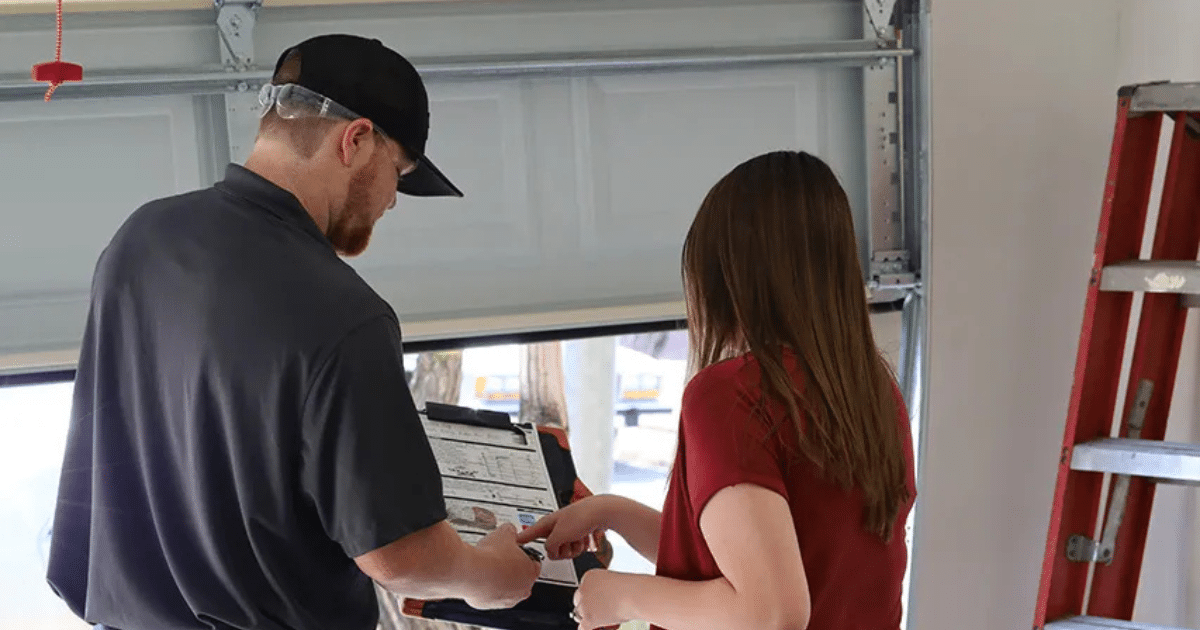
Programming your LiftMaster keypad is a simple process that enhances convenience and security. Follow this step-by-step guide to successfully program your keypad and get your garage door operating smoothly.
This guide covers everything from how to program LiftMaster wireless keypad systems to how to change code on LiftMaster keypad setups, and even how to reset LiftMaster garage door opener keypad configurations when needed.
Step 1. Access the Garage Door Opener
Find the “Learn” button on your garage door opener motor, typically located on the back or side of the unit. This button enables the opener to sync with the keypad.
Step 2. Press the Learn Button
Press and release the “Learn” button. When the light turns on, it indicates that the garage door opener is ready to connect with the keypad. This step sets up the system for the following stage. This step readies the system for the following stage.
Step 3. Enter New Code on Keypad
Within 30 seconds, enter your desired PIN on the keypad, followed by pressing the “Enter” button. The garage light will flash, signaling that the new code has been successfully registered by the system.
Step 4. Test the Keypad
To test the keypad, enter the new code and press “Enter.” The garage door should open or close, signaling that the programming was successful and the system is ready for use.
Step 5. Repeat for Additional Users
If needed, repeat the process to program additional user codes. Make sure each person who needs access to the garage has their own unique PIN. This helps ensure secure and individualized entry for family members, friends, or service providers. Keep a record of each code in a safe place in case it needs to be updated or deleted later.
By carefully following these simple steps, you can easily program your LiftMaster keypad to allow secure, keyless entry into your garage. This not only adds convenience but also improves the safety of your home. Always refer to your LiftMaster model’s manual for specific instructions, as the process may slightly vary between models or systems.
Troubleshooting Common Programming Issues
Even with clear instructions, you might encounter issues while programming your LiftMaster keypad. Here are common problems and their solutions:
Keypad Not Responding
Ensure the keypad has fresh batteries and is within range of the opener. If the keypad does not respond, try resetting it by removing the battery and reinserting it.
Code Not Accepted
If the garage light does not blink after entering your code, ensure you’re within the 30-second window after pressing the “Learn” button. Review the code for any mistakes and attempt the process again.
Opener Not Responding
Make sure the garage door opener is correctly plugged in and working. If other remotes work but the keypad doesn’t, the problem could be with the keypad itself.
If these solutions do not resolve the issue, consult the user manual or reach out to LiftMaster customer support for further assistance.
Setting a LiftMaster Temporary Code
Need to grant short-term access? You can set a LiftMaster temporary code for guests or service providers and delete it afterward by following the reprogramming steps above. For models like the LiftMaster 877MAX, resetting (LiftMaster 877MAX reset) follows the same Learn button process.
Tips for Maintaining Your LiftMaster Keypad
Regular maintenance of your LiftMaster keypad ensures longevity and reliable performance. Here are some tips to keep your keypad in top shape:
- Regular Cleaning: Dust and dirt can affect the keypad’s functionality. Gently clean the keypad with a soft, dry cloth to remove any debris.
- Battery Checks: Replace the keypad batteries regularly to prevent power-related issues. A good rule of thumb is to change them twice a year.
- Check for Damage: Frequently examine the keypad for any signs of wear or deterioration. Cracks or broken buttons may require replacement to maintain security.
- Software Updates: For models with software capabilities, ensure your system is up-to-date by checking the manufacturer’s website for any firmware updates.
If your system ever becomes unresponsive, knowing how to adjust garage door opener settings or adjusting a LiftMaster garage door opener force and travel limits can resolve operational issues beyond keypad programming.
By following these maintenance tips, your LiftMaster keypad will provide reliable service for years to come.
Take Control of Your Garage Access Today
Programming your LiftMaster keypad is a simple yet effective way to enhance your home’s security and convenience. By learning how to program LiftMaster keypad, you can easily manage access for family, friends, and service providers. This feature is perfect for those who value safety and ease of use.
A properly programmed LiftMaster keypad provides smooth access to your garage, ensuring both convenience and security. Whether you’re securing your home or making it more accessible, this keypad offers unmatched flexibility. If you’re in need of professional help, consider trusted garage door repair in San Francisco, CA, for assistance.
Don’t let security be an afterthought. Take action today and get your LiftMaster keypad set up properly. The process is simple, and the advantages are long-lasting. For expert guidance or repairs, Automatic Garage Door is here to help you every step of the way!
Your Trusted Partner for All Garage Door Needs
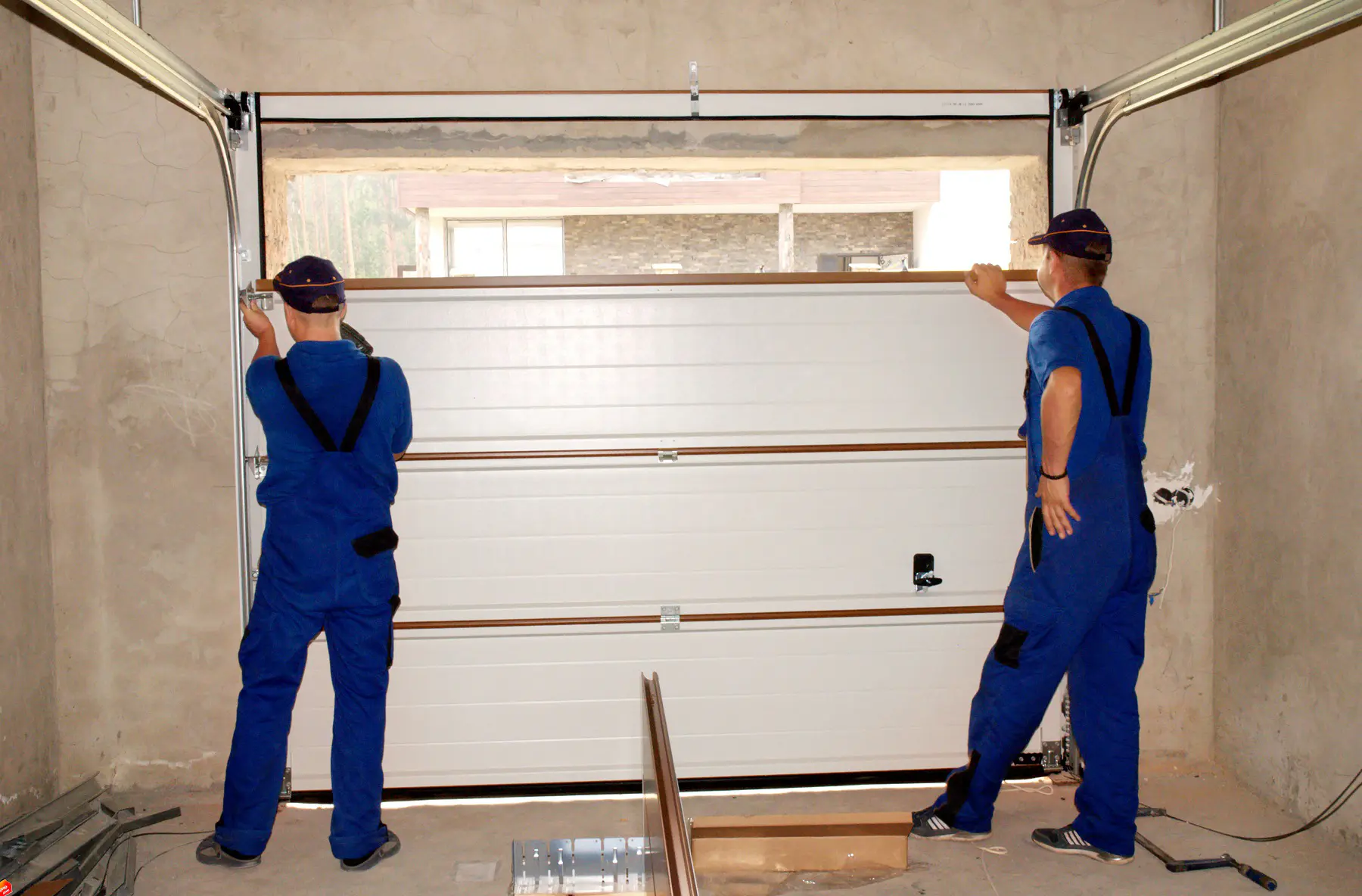
If you’re looking for reliable and expert garage door services, look no further than Automatic Garage Doors. We provide an extensive range of services, including garage door installation, repairs, and maintenance. Whether you need a new garage door or a replacement for your opener, we have the perfect solution for you. Visit our garage door repair page for more details on how we can help.
We also specialize in LiftMaster products, offering top-notch LiftMaster openers to keep your garage secure and functioning smoothly. For commercial properties, we have a variety of services and products designed to meet your needs. Explore our commercial services or browse our selection of gates and fencing to find the perfect fit for your property.
At Automatic Garage Doors, we are dedicated to offering top-quality service and products to meet your needs. Explore our gallery for examples of our work, or read our blog posts for helpful tips and insights, and Contact us today or give us a call to get a quote. You can call us directly at (415) 648-6413 for any inquiries or to schedule a service!